Web portal development plays a critical role in streamlining operations, improving user engagement, and enabling digital transformation within modern organizations. A web portal is a secure, task-oriented system accessible through a web browser that supports multiple users, often with varying access levels and functionality.
Whether it’s designed for employees, partners, or customers, a well-executed portal improves workflows, increases transparency, and centralizes business processes.
This practical guide is written for IT managers who are planning or overseeing a web portal development project. It will walk you through what to expect — from early planning to technical decisions and post-launch operations — helping you make informed choices at every step.
Quick Summary
- Start with a clear business goal and user focus to ensure your portal solves the right problems.
- Define requirements and prioritize features using MVP thinking to reduce complexity and cost.
- Decide early between custom development and existing platforms based on long-term goals.
- Plan the right architecture including stack, security, user roles, and third-party integrations.
- Use agile delivery and structured feedback loops to ensure iterative improvements.
- Budget not just for development, but for maintenance, onboarding, and scalability.
Understanding the Business Need
Define the Portal’s Primary Goal
Every successful portal begins with a well-defined purpose. Are you building a tool for internal teams or external users?
- Internal portals: employee self-service systems, knowledge bases, or performance dashboards.
- External portals: customer support portals, vendor platforms, or client login areas.
Understanding who will use the portal — and why — shapes every technical and design decision that follows.
Identify Stakeholders and Their Roles
A portal often touches multiple departments. Bring them into the conversation early:
- Operations: define internal workflows
- Marketing or Sales: guide user experience and branding
- Customer Service: ensure usability and self-service capabilities
Clarify roles and responsibilities to avoid bottlenecks and misaligned expectations later.
Planning and Scoping the Project
Requirements Gathering
Effective web portal development begins with precise requirements.
- Functional requirements: What users must be able to do (e.g., log in, view reports, submit forms).
- Non-functional requirements: Performance expectations, accessibility standards, uptime targets, and compliance needs.
Documenting both clearly enables accurate budgeting and development planning.
Prioritizing Features
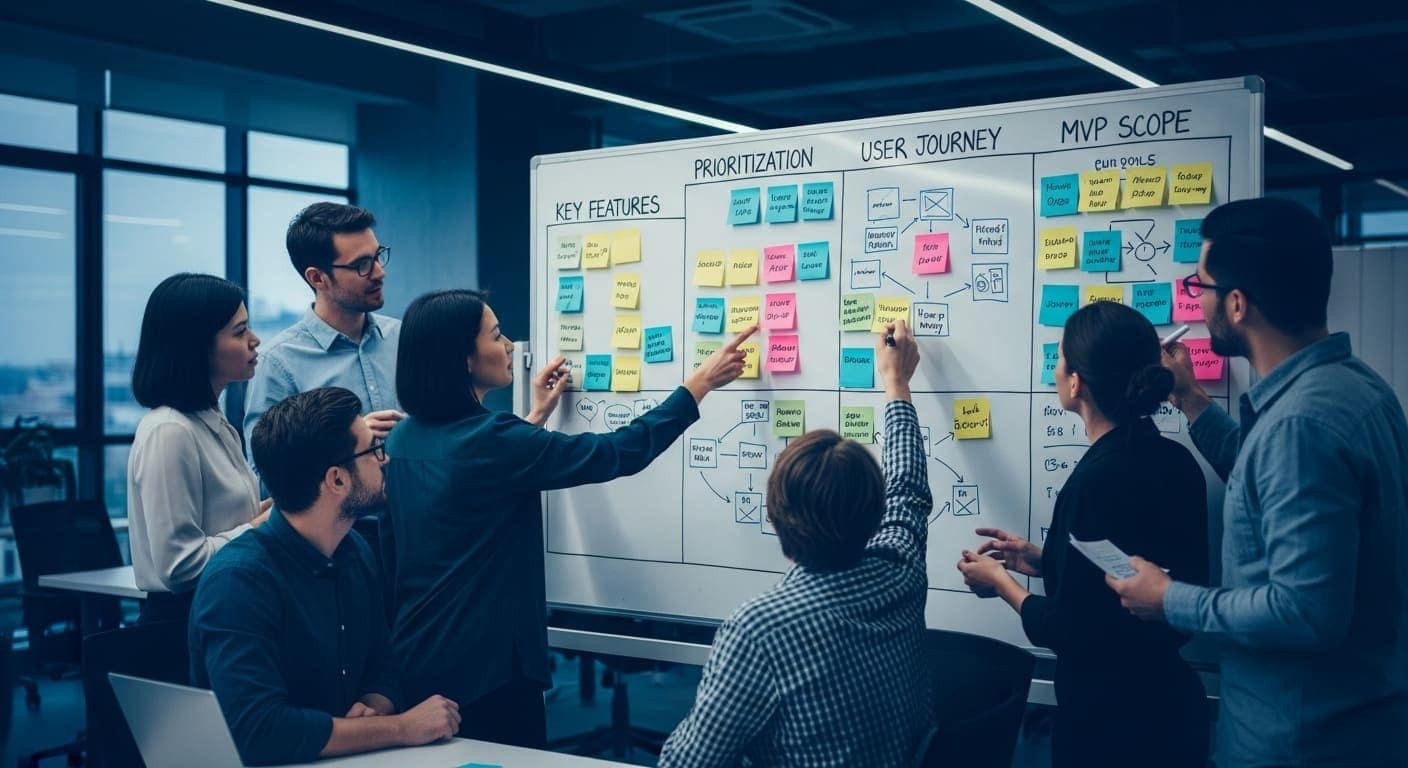
Not every feature must be built from day one. Apply MVP (Minimum Viable Product) principles:
- Separate core modules (must-haves) from enhancements (nice-to-haves).
- Focus on solving the most important problems first.
- Plan for phased rollouts based on real user feedback.
Choosing Between Build vs. Buy
You may consider:
- Custom development for tailored workflows, security, or integrations.
- SaaS or white-label platforms for faster, lower-cost deployment — with less flexibility.
Custom portals offer:
- Full control over the user experience and data.
- Ownership of source code.
- Better long-term ROI if the system is business-critical.
Technical Decisions and Architecture
Technology Stack
The tech stack should balance performance, scalability, and maintainability. Core components include:
- Front-end: HTML/CSS/JavaScript, frameworks like React or Vue.js
- Back-end: Node.js, Laravel, Django, etc.
- Database: PostgreSQL, MySQL, MongoDB
- Authentication: Role-based access control (RBAC), OAuth2, or SSO
Reusable components or a proprietary codebase (like the one used at Procedo) can significantly reduce cost and delivery time.
Access Control and Permissions
Portals must accommodate multiple roles — users, managers, admins — with different permissions.
- Define roles and access levels early.
- Implement a hierarchy that’s flexible but secure.
- Make permissions part of your user experience strategy.
This helps ensure that each user sees exactly what they need — no more, no less.
Integration with Existing Systems
Your portal should not operate in isolation. Plan for:
- ERP or CRM integration to fetch and sync data.
- APIs to connect with external tools like payment processors or document storage.
- SSO or directory integration for authentication and user management.
Solid integration reduces manual effort and increases real-time visibility across platforms.
Project Execution and Timeline
Development Methodology
Choosing the right methodology is critical.
- Waterfall: works for simple projects with locked scopes.
- Agile: ideal for iterative delivery, user testing, and course correction.
Most modern web portal development projects use Agile because it offers faster feedback cycles and flexibility.
Communication and Review Cycles
Maintain open communication between IT, developers, and business users.
- Schedule regular sprint reviews or demos.
- Use shared tools like Jira, Notion, or Trello to track progress.
- Encourage feedback and transparency at every stage.
Common Pitfalls and How to Avoid Them
- Scope creep: Avoid by freezing features after scoping and approving only strategic changes.
- Misaligned expectations: Use documentation, mockups, and demos to ensure alignment.
- Delayed feedback: Allocate stakeholders’ time and responsibilities for reviews upfront.
Testing, Security, and Compliance
Functional and User Acceptance Testing (UAT)
Don’t wait until launch to test.
- Create detailed test scripts based on real scenarios.
- Involve actual users in UAT.
- Validate across devices and browsers.
Security Standards
Security should be part of the architecture, not an afterthought.
- Use HTTPS and encrypted data storage.
- Implement role-based authentication and password policies.
- Log activity and define data retention protocols.
Accessibility and Compliance
Ensure your portal is usable by everyone.
- Follow WCAG accessibility guidelines.
- Comply with regional and industry regulations such as GDPR, HIPAA, or PIPEDA.
Accessibility and compliance are not just legal checkboxes — they reduce risk and improve usability.
Deployment and Post-Launch Expectations
Go-Live Planning
Plan a smooth rollout:
- Migrate data carefully with backups in place.
- Conduct load testing.
- Provide onboarding resources and internal training.
Avoid last-minute surprises by treating go-live like a coordinated event, not a handoff.
Maintenance and Iterations
A web portal is a living system:
- Monitor for bugs and user issues.
- Collect feature requests for future iterations.
- Schedule regular improvements and codebase updates.
Internal Ownership
Define how the portal will be maintained post-launch:
- Who owns ongoing bug fixing?
- Who updates content and settings?
- Is there a maintenance agreement with the development partner?
Clear ownership ensures sustainability and business continuity.
Budgeting and Resource Planning
Direct and Indirect Costs
Budget beyond just the initial quote. Consider:
- Development and design costs
- Hosting, domain, SSL, and platform fees
- Licensing for third-party services
- Training, support, and future enhancements
Managing Time and People
Resource planning should involve:
- Internal time for IT and stakeholder collaboration
- External dependencies like designers, integrators, and security consultants
Allow buffer time for reviews, decisions, and testing.
Conclusion
Web portal development is not just a technical task — it’s a strategic project that can impact the entire organization.
As an IT manager, your role is to align teams, define clear goals, and guide the project with the right technical choices and development partner. With proper planning, stakeholder collaboration, and a phased approach, your portal can become a powerful asset — improving service delivery, workflow automation, and user satisfaction.
Need expert help building a secure, scalable web portal?
Procedo helps mid-sized companies turn complex workflows into efficient digital platforms — quickly, cost-effectively, and without unnecessary overhead.
Let’s talk.
John Beluca is a Solutions Architect and founder of Procedo, with 20+ years of experience building custom CRMs and internal tools that simplify business processes.
All author posts